Dine-in
Table service with cleaner handoffs
Open tables, keep drafts separate from sent items, manage guest counts, and move service forward with less confusion.
Restaurant-tech, built for service reality
Prego POS helps restaurants manage orders, kitchen workflow, delivery operations, staff control, and reporting in one practical system designed around daily service flow.
One platform
for dine-in, takeaway, and delivery
Kitchen-ready
with KDS, printer routing, and pickup flow
Operations-first
from permissions to shift close and reporting
Service Day Snapshot
Live flow
In serviceTables
24
Active dine-in
Pickup
11
Preparing
Delivery
8
On the board
Kitchen status
Why teams choose Prego POS
Service modes
From dine-in tables to takeaway pickup to delivery orders, Prego POS keeps daily service flow connected instead of forcing teams into disconnected tools.
Dine-in
Open tables, keep drafts separate from sent items, manage guest counts, and move service forward with less confusion.
Takeaway
Track order status from preparing to ready and make handoff clearer with a pickup-ready display.
Delivery
Handle addresses, order sources, branch flow, and delivery progress without splitting the workflow across tools.
Core features
Prego POS combines sales flow, kitchen coordination, pickup handling, delivery workflow, staff controls, and back-office reporting in one restaurant-ready platform.
Run dine-in, takeaway, and delivery in one connected restaurant system.
Send the right items to the right prep flow with live status visibility.
Make ready-for-pickup handoff easier for both staff and customers.
Keep customer records, order statuses, and branch-aware delivery handling organized.
Protect sensitive actions with role-based access, approvals, and activity control.
Review sales, customer activity, menu data, attendance, and shift workflows from practical admin tools.
Operational benefits
The value of Prego POS is not just billing. It is the way the product keeps service moving while giving managers more visibility over the operation.
How it works
01
Counter staff, table operators, or delivery desks start the order from the workflow that matches the service mode.
02
Items move to the right kitchen path through printer routing or a live kitchen board.
03
Preparing, ready, collected, and approval-related states are visible across the operation.
04
Pickup, checkout, or delivery handoff happens with clearer status control and fewer verbal bottlenecks.
05
Managers close shifts, track cash activity, and review reports without stitching data together manually.
Product proof
This website is designed around actual product capabilities. Use these panels as guidance for where live screenshots from the POS, kitchen board, delivery modules, and pickup display should appear.
Desktop POS
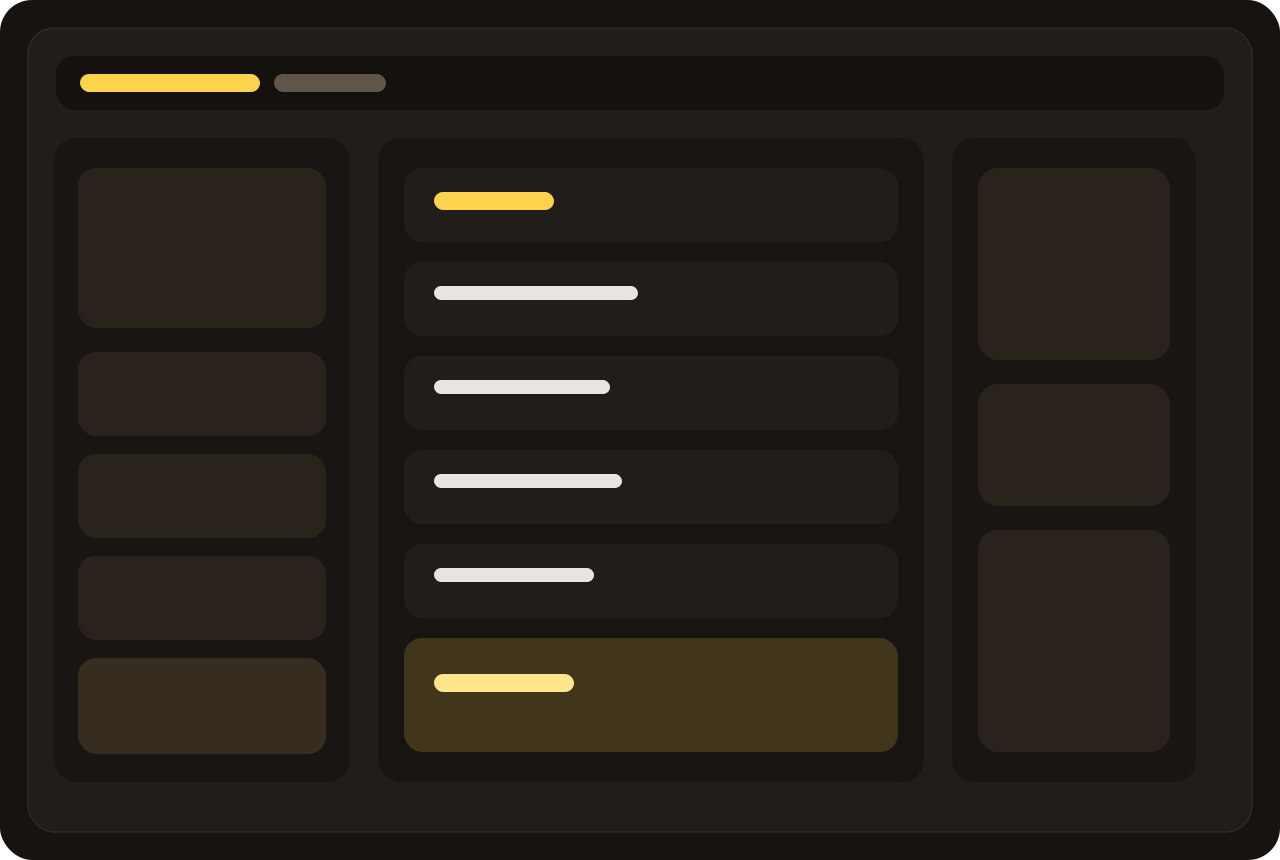
The desktop-first core is designed around quick in-store operation, with the order flow, payment handling, and staff actions centered in one screen.
Kitchen board
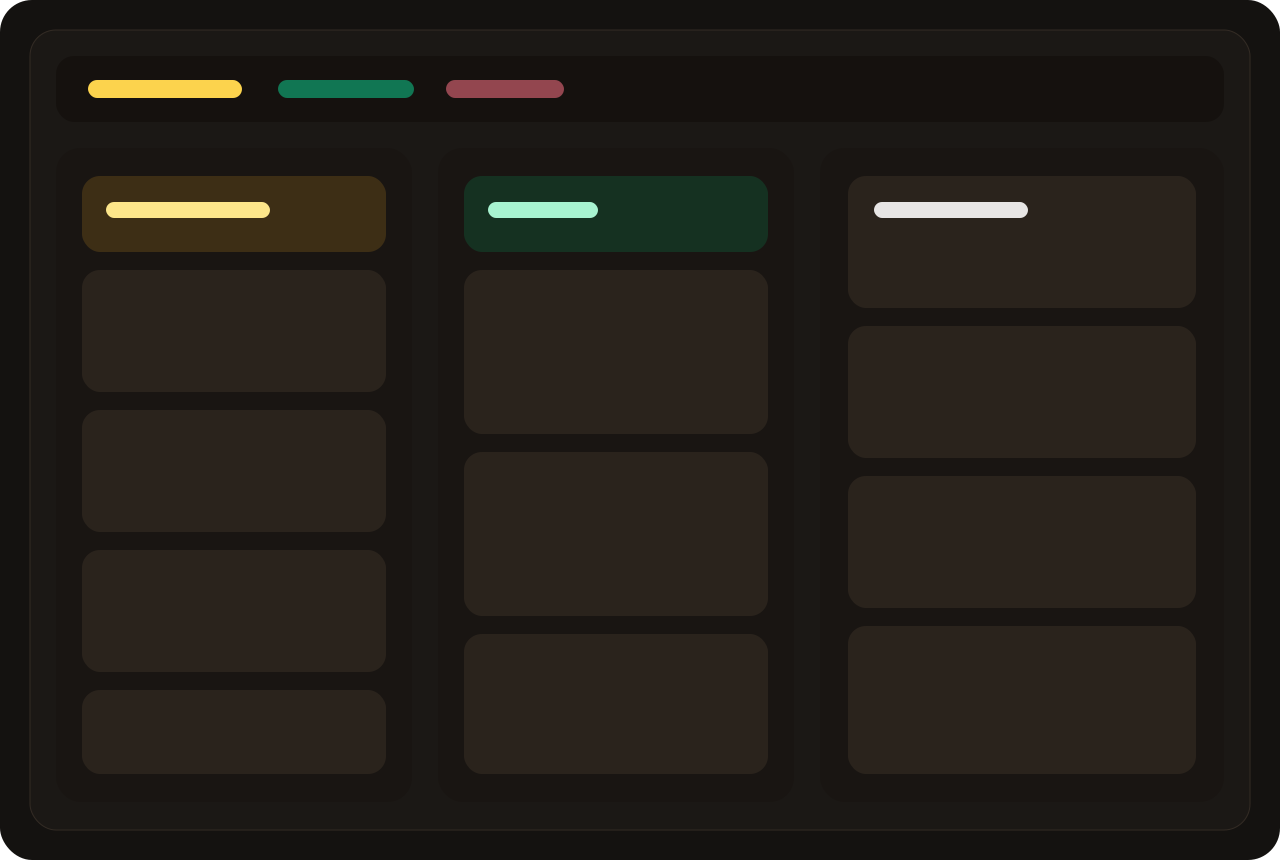
Prep teams can see what is preparing, ready, collected, or canceled without relying on constant verbal follow-up.
Delivery operations
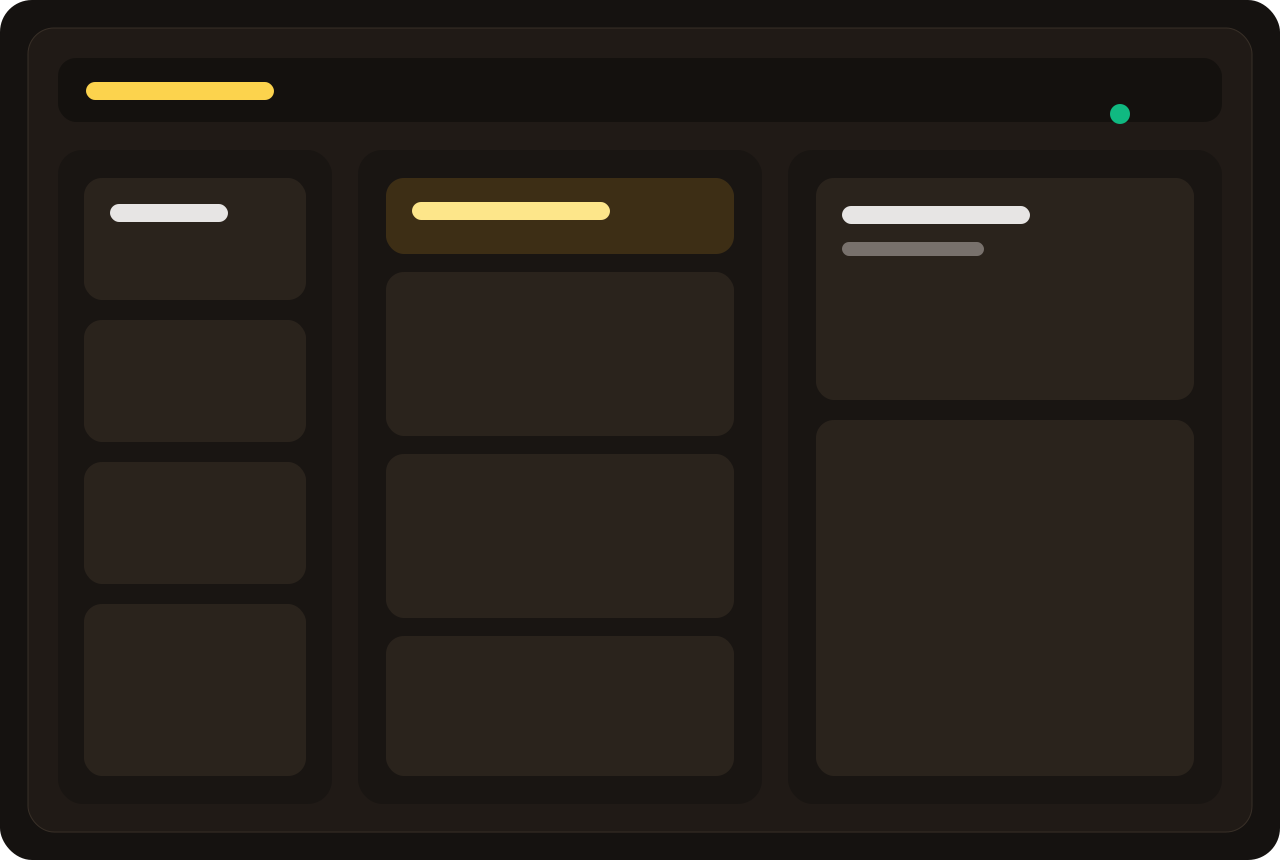
Delivery workflows cover customer lookup, address capture, order source details, status flow, and branch-aware handling.
Pickup TV
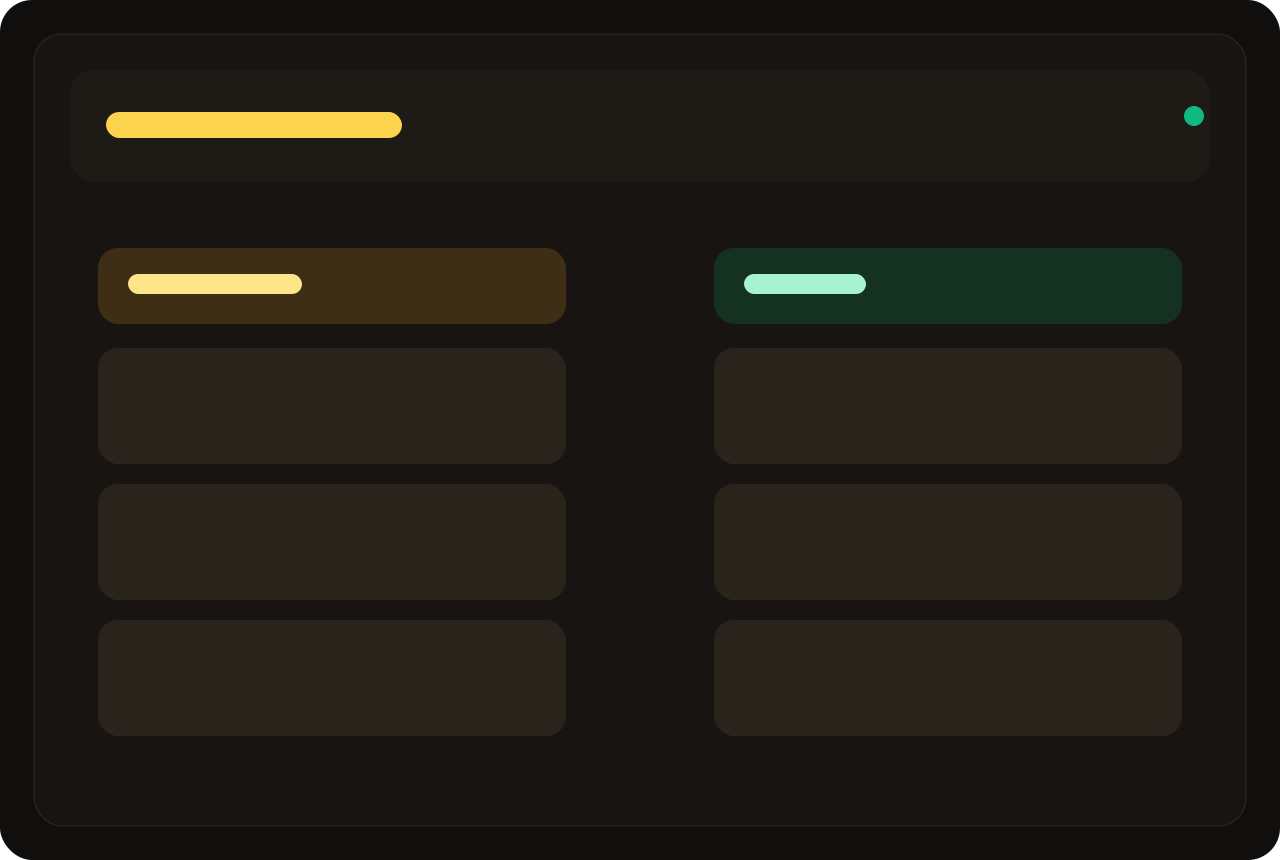
A customer-facing pickup display helps staff and guests see what is still preparing and what is ready for collection.
FAQ preview
Yes. The product is positioned around supporting all three service modes in one operational system.
Yes. Prego POS supports kitchen screens and print routing, helping food prep stay organized and visible during service.
Yes. Role-based access, cashier enablement, approvals, and void-related workflows are all part of the product story.
Prego POS includes sales reporting, customer reporting, exports, and back-office visibility around shifts and operations.
Final call to action
Book a walkthrough and we can focus on the workflows that matter most to your service model, team structure, and setup.